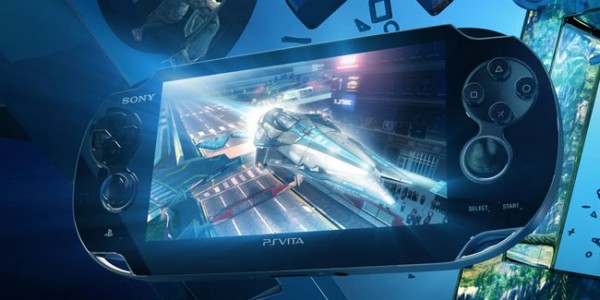
PlayStation Vita firmware 1.80 has only just been released, and already people are discovering some interesting features and workarounds to get the most out of the new functionality.
First of all, it turns out that you can now play PSP games using on-screen controls rather than buttons. Why you would ever want to do this is beyond me, but I suppose some folks may have gotten so used to mobile gaming that they’ve lost the ability to press physical objects in order to move their character. Those who wish to try out this bizarre addition for themselves need only touch the screen for a few seconds when playing a PSP game - you can now assign buttons to each corner of the screen. Enjoy!
The second trick - this one far more useful - allows you to forget about the pitiful list of PS1 classics that have arrived on the Vita store, and play any PS1 title that’s available on the PS3. It’s quite simple to do, really - just download the game you wish you play on your PS3, then without installing it bring up the content manager on the Vita and transfer it over. Simple. Thanks to YouTube user FistFullofPotions for this trick - It’ll also allow transfer of PSP games that aren’t available on the Vita store. Awesome!
Here’s a video showing the trick in action:
Source: NeoGAF